Best Gaming Monitors of 2026 (1080p, 1440p, and 4K)
Updated 2026 monitor buying guide. Best IPS, VA, and OLED panels for every budget, resolution, and use case — from competitive esports to cinematic single-player.
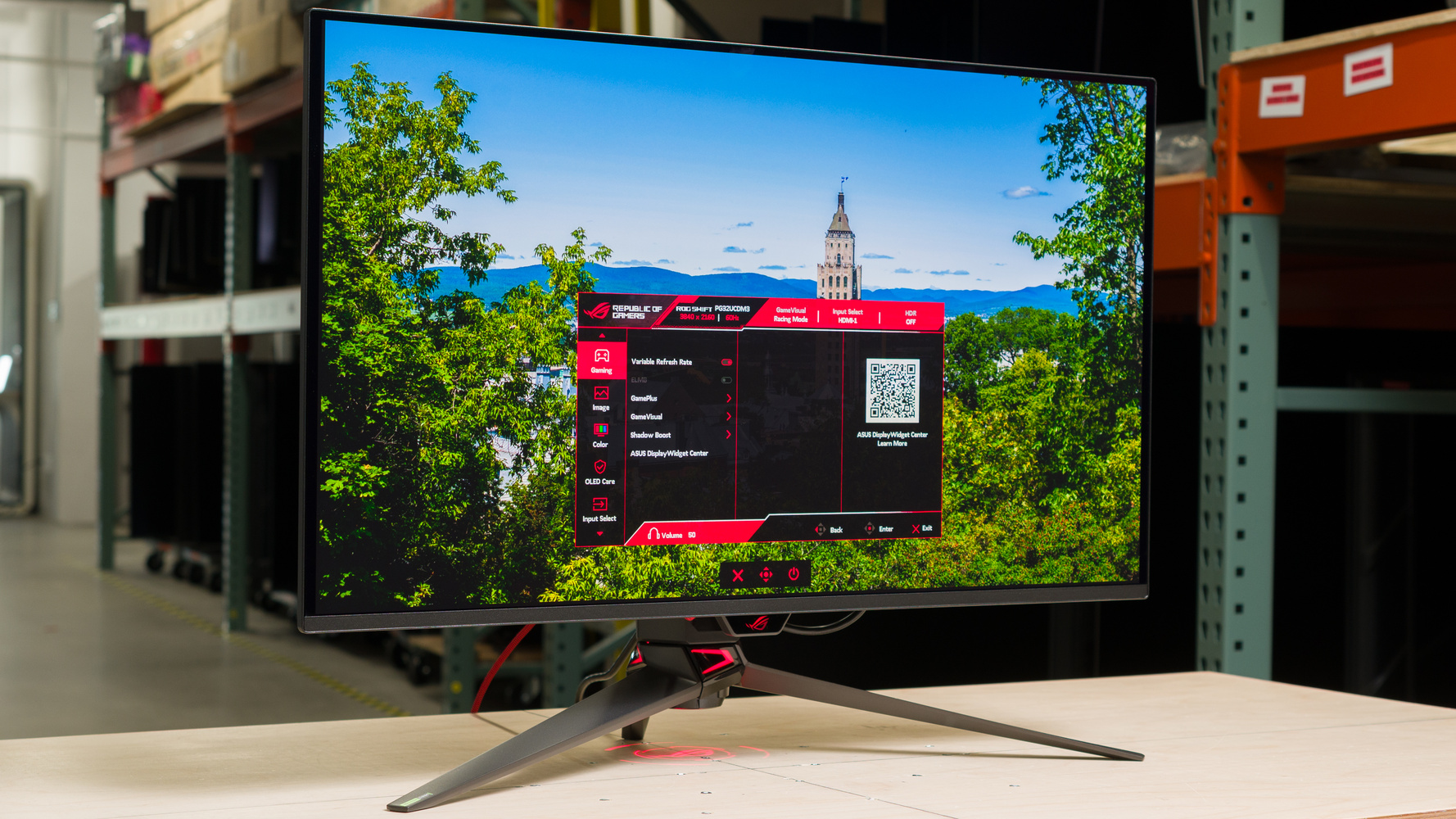
Choosing a monitor in 2026 is more complex than ever: IPS, VA, OLED, QD-OLED, Mini-LED — and the differences between them are real. This guide covers the best options by budget and use case.
Which Resolution Should You Pick?
| Resolution | For Who | Minimum Recommended GPU |
|---|---|---|
| 1080p 144Hz+ | Competitive gaming, tight budget | RTX 4060 / RX 7600 |
| 1440p 144Hz+ | Best price/performance balance in 2026 | RTX 5060 Ti / RX 9060 XT |
| 4K 144Hz | Maximum immersion, non-competitive | RTX 5080 / RX 9070 XT |
The 2026 recommendation: 1440p 144Hz+. It's the resolution with the best performance-per-dollar for gaming, and the one that best utilizes current mid-to-high-range GPUs.
1. LG UltraGear 27GR83Q — Best 1440p IPS
The benchmark for 1440p IPS panels. 1ms response (GtG), 165Hz native, G-Sync and FreeSync compatible. Colors are accurate out of the box and 400 nits brightness is more than sufficient for most rooms.
Best for: Competitive gaming + light creative work.
LG UltraGear 27GR83Q
2. Samsung Odyssey G5 — Best 1440p Curved VA
The Odyssey G5's VA panel delivers 3000:1 contrast — far superior to IPS. Blacks are deep, making it excellent for dark games. The 1000R curvature is immersive without being uncomfortable.
Best for: Single-player, RPGs, horror games.
Samsung Odyssey G5 27in 1440p
3. ASUS ROG Swift OLED PG27AQDP — Best OLED 1440p
The QD-OLED 1440p panel at 240Hz is a visual experience unlike any IPS or VA. Perfect blacks, vibrant colors, and 0.03ms response time. OLED burn-in concerns are greatly mitigated in 2025–2026 gaming panels.
Best for: Those who prioritize image quality above all else.
ASUS ROG Swift OLED PG27AQDP
4. AOC 24G2SP — Best 1080p 165Hz Under $150
If your GPU is mid-range or you're on a tight budget, the AOC 24G2SP is hard to beat. IPS panel, 165Hz, 1ms, decent colors. It's the best-selling gaming monitor in the $120–150 range for good reason.
Best for: First monitor purchase, competitive gaming with a budget GPU.
AOC 24G2SP
5. LG 27GR95QE-B — Best Competitive OLED
For competitive players who want OLED but at 240Hz without spending $600+. 0.03ms response, incredible colors, and the same QD-OLED panel at a better price than the ROG. G-Sync and FreeSync compatible.
LG 27GR95QE-B OLED
Quick Comparison
| Budget | Monitor | Why |
|---|---|---|
| Low ($100–180) | AOC 24G2SP | Solid IPS, 165Hz, no overspending |
| Mid ($250–320) | LG 27GR83Q | Best 1440p IPS at the price |
| Mid ($230–270) | Samsung Odyssey G5 | Superior VA contrast, dark games |
| High ($450–500) | LG 27GR95QE-B | Competitive OLED without the ROG premium |
| Premium ($580+) | ASUS ROG PG27AQDP | The best image quality in 2026 |
Final tip: Don't buy a 4K monitor if your GPU is mid-range. The 1440p experience with a good GPU is better than 4K at low framerates. GPU first, monitor second.
Frequently asked questions
Is OLED burn-in still a real concern in 2026? Much less than it used to be. Modern gaming OLED panels use pixel-shifting, logo dimming, and periodic compensation cycles specifically designed to counter static-image wear. Static elements like game HUDs held on-screen for many hours a day over a year or more can still leave faint traces, but for typical mixed use it's no longer the dealbreaker it was in early OLED TVs.
Do I need both G-Sync and FreeSync, or does one work everywhere? Nearly all modern monitors labeled "FreeSync" also work with NVIDIA GPUs via Adaptive Sync (a VESA open standard), and most NVIDIA "G-Sync Compatible" monitors work fine with AMD cards too. True proprietary G-Sync (with the dedicated NVIDIA hardware module) is now rare and mostly limited to a few premium panels — check the specific monitor's certification rather than assuming brand-loyalty is required.
What actually matters more: resolution or refresh rate? For competitive shooters, refresh rate (144Hz+) usually matters more than resolution — a 1080p 240Hz panel will feel more responsive than a 4K 60Hz one. For single-player, story-driven or open-world games, resolution and panel quality (contrast, color) tend to matter more than chasing high refresh rates.
Is VA, IPS, or OLED the "best" panel type? There's no universal winner — IPS has the best color accuracy and viewing angles, VA has the best native contrast for the price, and OLED beats both on contrast and response time but costs more and has the (now-reduced) burn-in tradeoff. Pick based on what you play, not by panel type alone.